Why WordPress speed matters
A slow website can make navigation frustrating and interrupt enquiries or purchases. Hosting upgrades sometimes help, but the first step should be to find out what is actually slowing the page down. Many performance issues can be improved within an existing hosting plan.
Measure before changing anything
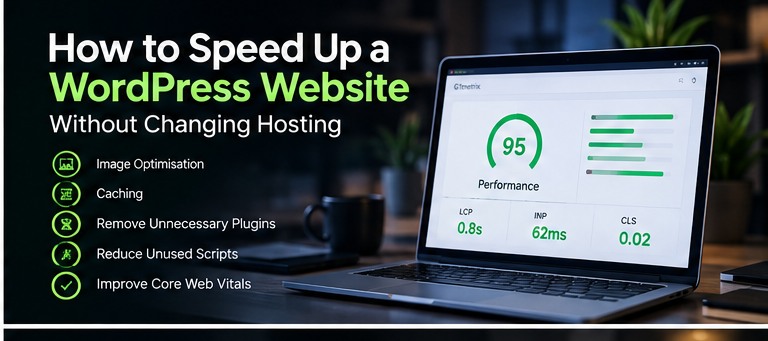
Run representative pages through PageSpeed Insights and compare mobile and desktop results. Review Largest Contentful Paint, Interaction to Next Paint and Cumulative Layout Shift. Field data and lab diagnostics serve different purposes, so use both when available.
Optimise images
Resize images for their display area, compress them and use WebP or AVIF when supported. Lazy-load images below the fold, but avoid delaying the main hero image if it is the largest visible content element. Give informative images accurate alternative text.
Configure caching carefully
Page caching can reduce repeated server work. Use a caching solution compatible with your host, and avoid stacking multiple tools that perform identical functions. Exclude sensitive or dynamic areas such as checkout, carts and personalised account pages when appropriate.
Audit plugins and assets
Remove inactive or abandoned plugins and inspect scripts that load on every page. A plugin count alone does not reveal performance impact. Look for unused CSS, oversized libraries, heavy animations and third-party embeds that delay rendering or interaction.
Update safely and retest
Keep WordPress, themes, plugins and PHP versions supported. Back up the website before significant changes and test contact forms, navigation and integrations afterwards. Repeat your performance measurements to confirm that the changes helped rather than simply shifting the bottleneck.
When to seek help
If your site remains slow after basic improvements, investigate database queries, server response times and theme architecture. My WordPress maintenance and optimisation services can help identify persistent issues.