Why connect your website to a CRM?
Copying leads from contact-form emails into a CRM takes time and can introduce errors. WordPress CRM integration can route enquiries into a structured pipeline so teams can follow up consistently and track where leads came from.
What is a webhook?
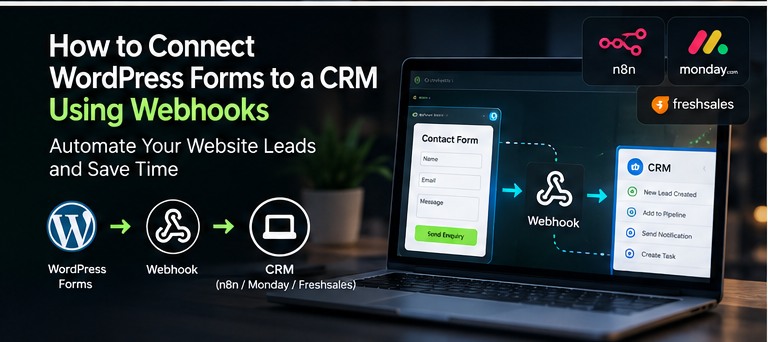
A webhook sends an HTTP request when an event occurs. For example, a form submission can trigger a request to an automation platform or a custom endpoint. That system validates the request and creates or updates a CRM record.
Step 1: Define the information you need
Identify required fields such as name, email, phone, enquiry type, consent and lead source. Avoid collecting personal data that the business does not need.
Step 2: Map WordPress fields to CRM fields
Match each form field to the correct destination field. Confirm data types and dropdown values. Normalise phone numbers and addresses where appropriate and document how optional or missing values are handled.
Step 3: Secure the connection
Use HTTPS, store API credentials outside public frontend code, validate incoming requests and apply least-privilege permissions. Consider request signatures or other supported verification mechanisms.
Step 4: Handle duplicates and failures
Decide whether an existing lead should be updated or a new record created. Log failures without exposing secrets, implement appropriate retries and make sure an unsuccessful API request is not silently treated as success.
Step 5: Test the full workflow
Submit test enquiries for normal, missing and unexpected values. Verify the resulting CRM record, lead source, notification and follow-up assignment. Test what happens when the CRM is temporarily unavailable.
Choosing the right approach
Some websites can use an established plugin or tools such as n8n; more complex projects benefit from custom API development. The WordPress REST API Handbook is a useful reference. Learn more about my WordPress integration and automation services.