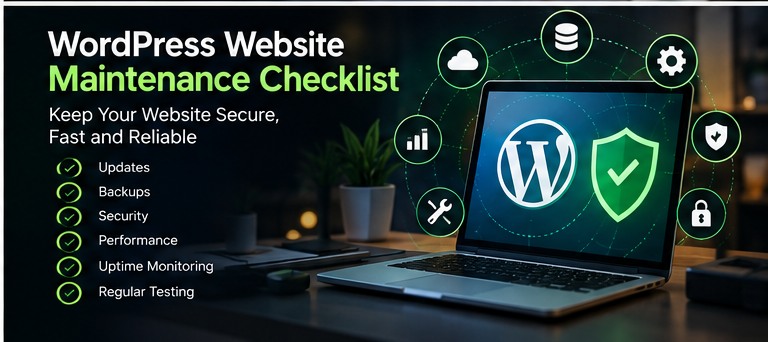
Why maintenance matters
A WordPress website needs ongoing attention after launch. Outdated software, failed backups, broken forms and integration errors can affect customer experience and business operations. A simple recurring checklist makes problems easier to detect early.
Weekly: check critical functionality
Open important pages, submit a test enquiry and confirm that email notifications arrive. Review backup status, available updates and any unusual administrator activity. High-traffic or transactional websites may need more frequent checks.
Monthly: review performance and content
Compare page speed against previous measurements. Check mobile layouts, broken links, service information and conversion paths. Review whether plugins and integrations are still necessary and supported.
Maintain security basics
Use strong authentication and multifactor authentication where available. Restrict administrator access, remove abandoned extensions and keep WordPress core, plugins, themes and supported PHP versions up to date.
Backups and recovery
Keep backups securely and use a retention policy that fits how frequently your data changes. A backup is only useful if you can restore it, so test recovery procedures periodically.
Check integrations and store workflows
Test CRM lead delivery, bookings, email notifications and payment workflows. For WooCommerce stores, review checkout, stock synchronisation, shipping and order emails after updates.
Plan updates rather than rushing
Use a staging site for major changes when possible. Record versions, test key features and keep a rollback plan. Monitor error logs and uptime so failures are noticed promptly.
Need ongoing support?
See my WordPress maintenance and support services or get in touch to discuss ongoing website care.